
Emergency planning is our concern as well as yours. 'Residex Vault' is a feature that gives specified users access to key documents to use when preparing for potential downtime (e.g. impending storm may knock out power, prep for oncoming natural disaster), and as a backup should Residex have unexpected downtime.
'Residex Vault' gives users with the Emergency Downloads (Role 911) immediate access to essential information they might need in an emergency. Documents include resident profiles, paper MARs, paper service charting documents, and more. These links are updated every 24 hours and provide 3 days worth of charting materials.
Using Residex Vault
Authorized users can log into 'Residex Vault' at vault.residex.ai with their normal app.residex.ai username and password.
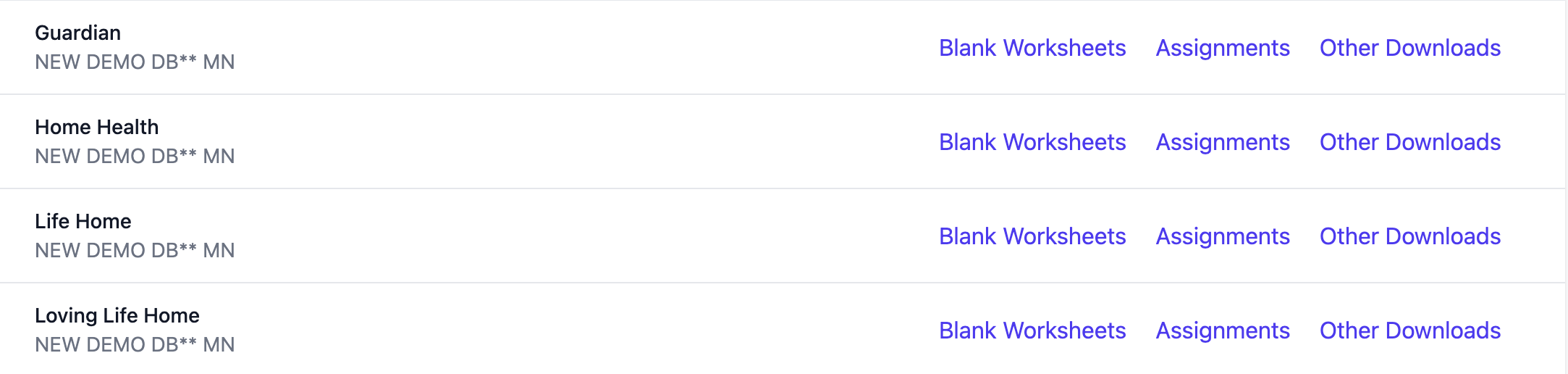
Once logged in, you will see databases to which you have access. Click on the database to show all campuses within that database to which you have access.
From here, you can download and print the documentation you need.
Granting access to Residex Vault
Every campus needs at least one emergency contact specified, only these emergency contacts will have permission to log into 'Residex Vault.' We typically recommend this permission be granted to nurses and directors.
To grant this access, navigate to Staff > staff profile of the selected user:
- Ensure the user's current email address and phone number are entered in their profile
- Select the Security option on the Profile screen
- Click on Other Roles
- Click on the selection Emergency Downloads (Role 911)
