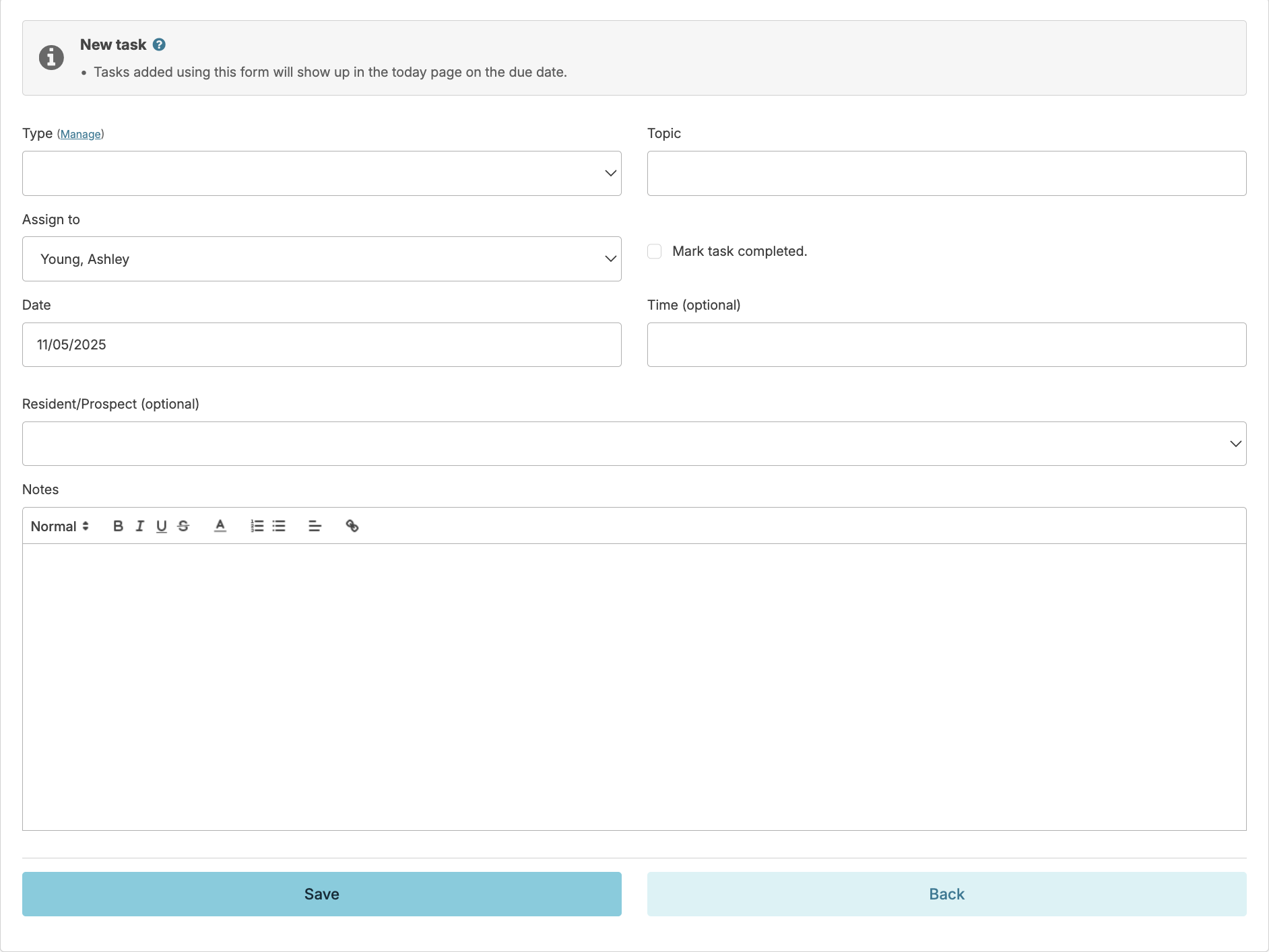
Navigate to Admin > Tasks and enter data as indicated. Checking the box Mark as Complete will allow documentation of a task that has already been completed.
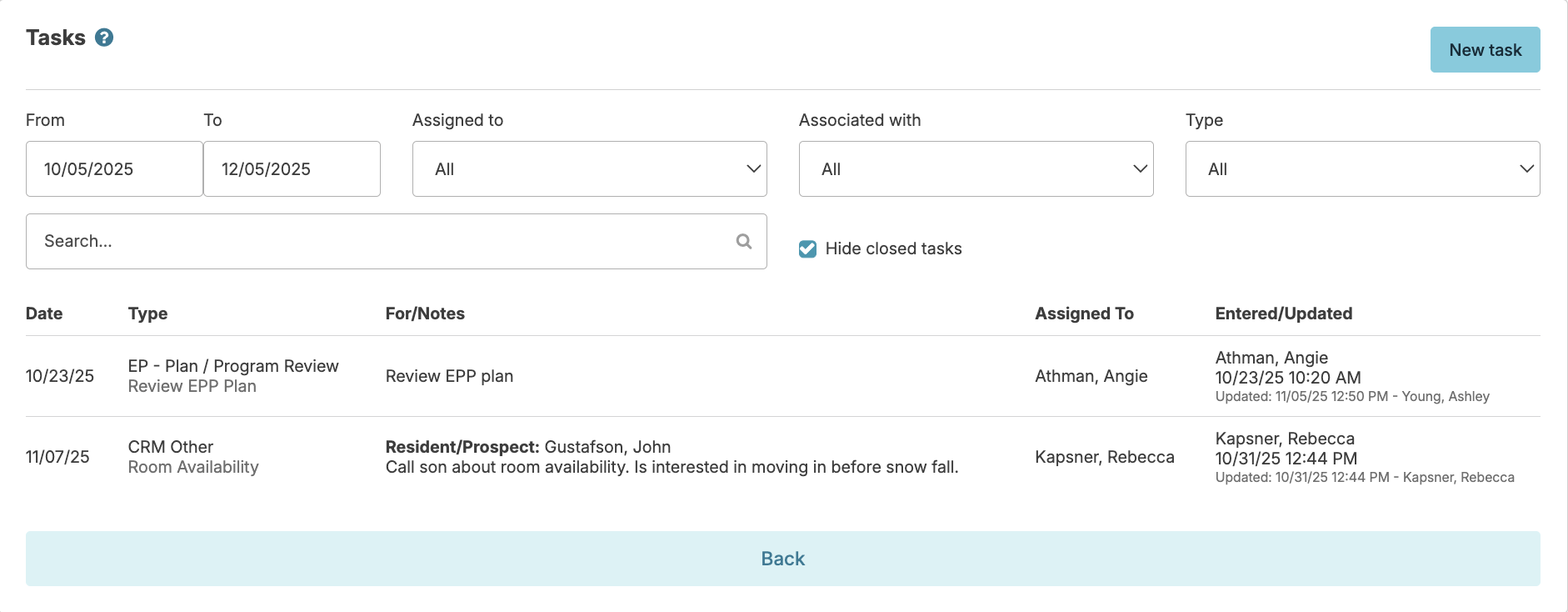
Once tasks have been added, the person to whom the task is assigned can chart its completion either from the Today > Assignments screen or by returning to Admin > Tasks, adjusting filters as desired (date, assigned to, type, etc...) and then selecting the task and marking complete. Once tasks have been added, the person to whom the task is assigned can chart its completion either from the Today screen or by returning to Admin > Tasks, adjusting filters as desired (date, assigned to, type, etc.) and then selecting the task and marking complete.