
The 'Provider Orders' report captures resident demographics, allergies, diet, code status, medications, and services, with treatment services including specific instructions. Send to providers for review and signature to reconcile information and ensure services align with signed orders. Generate reports at your preferred frequency, with renewal reminders appearing on the Dashboard/Login Report.
To access provider orders, navigate to Residents > Residents > resident profile > Provider Orders
Create Provider Orders
- From a resident's Provider Orders screen, press the New Provider Orders button
- Complete the required fields (leave signature line blank) and enter the certification date range you're requesting from the provider.
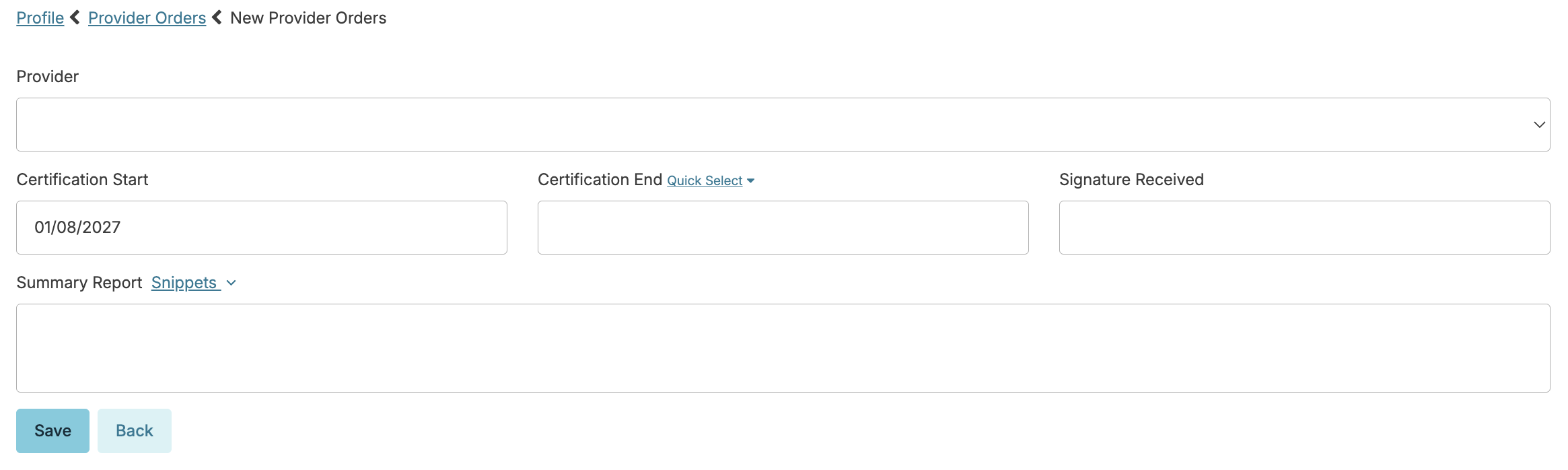
- Click Save and get an overview of the document you are creating. Click Print to view and print the document itself, or click Fax to fax directly to the provider using Residex's faxing feature.
Suppress Provider Orders for a Resident
- People residing in independent living settings (or without home care services) may not require provider orders
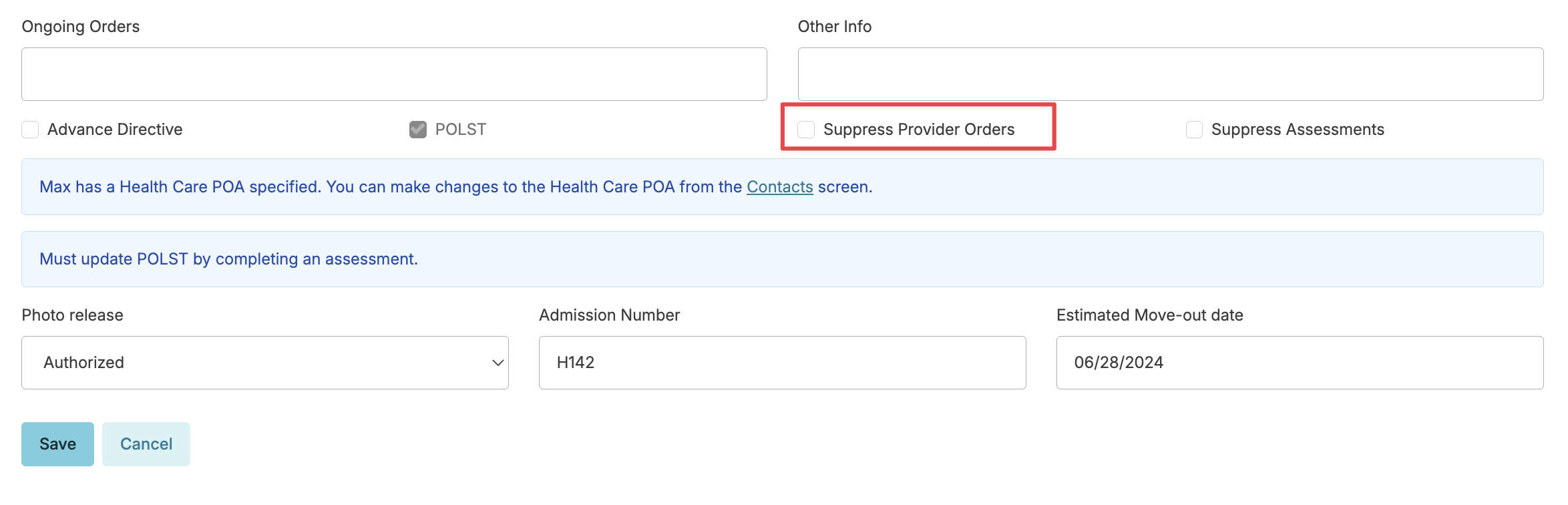
- Suppressing provider orders is an option in the resident profile that simply prevents you from receiving notifications of provider orders. This action can be updated at whatever point the resident requires nursing care, providing those notifications to you once again.
- Navigate to the resident's profile > Edit Profile > and scroll to the bottom of the screen
Document Signature and Save as Attachment
Once the provider has reviewed and signed the document, go back to the resident profile > Provider Orders and you'll see that the order is now flagged as needing a signature.
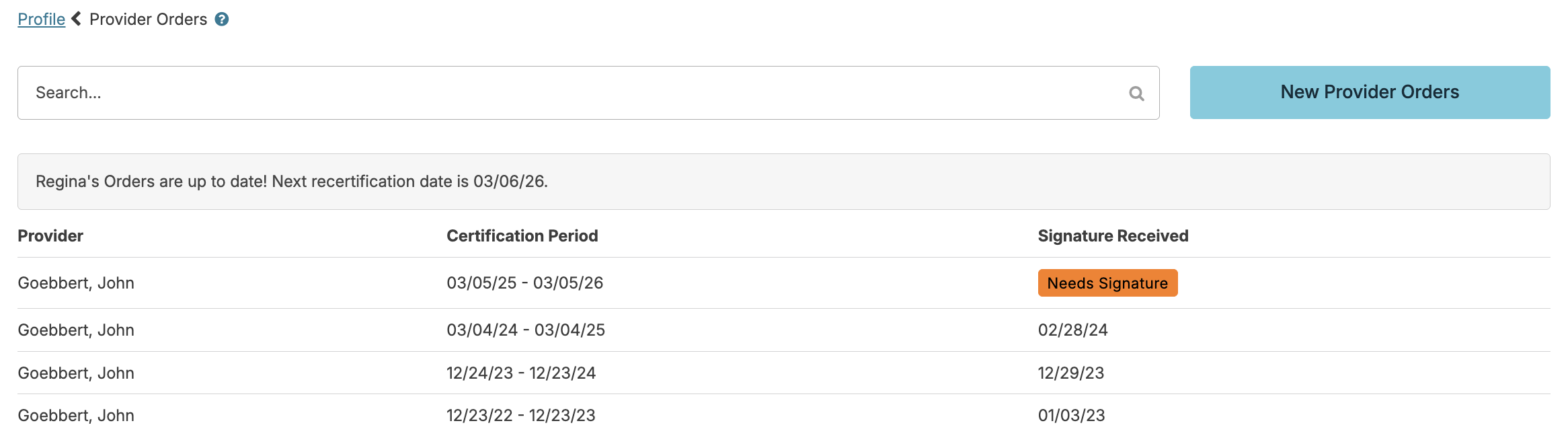
Select that item > Edit > and enter the date on which the signature was obtained.