
Steps to make a one-time payment or enroll in autopay.
Note: Examples shown are from a demonstration campus named "Loving Life"
Step 1: Receive Payment Link
When a statement is created, the facility will send a payment link to the designated resident or billing contact via email and/or text message.
Step 2: Select Verification Method
Click the payment link to be routed to a verification page. Choose where you want to receive your two-factor authentication (2FA) code based on the provided options.
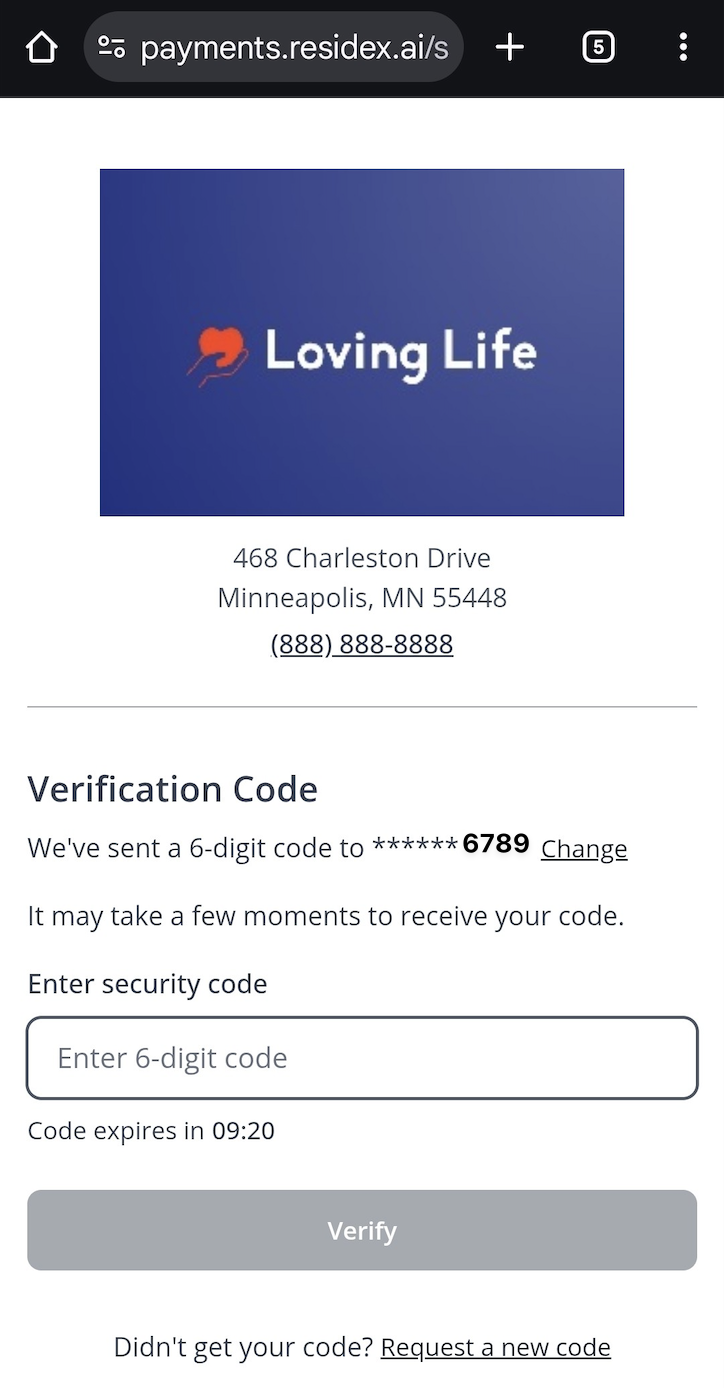
Step 3: Enter Verification Code
After selecting your preferred method, you'll receive a verification code. Enter this code on the verification screen to proceed.
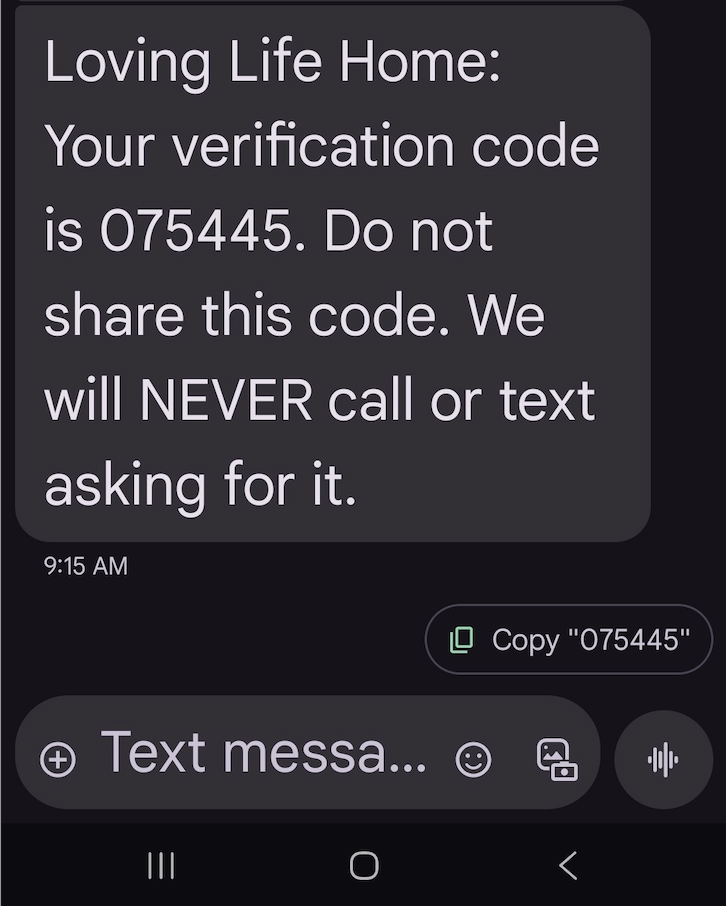
Step 4: Review Statement and Make Payment
Once verified, your loved one's information will be displayed along with the statement summary and total amount due.
To complete a one-time payment:
- Choose to Make One-Time Payment
- Enter payment details using either a credit/debit card or direct bank account transfer.
To enroll in autopay:
- Choose to pay Fixed monthly amount to pay a specified amount or Cover monthly remainder to pay statement balance or remainder of statement, if this payment method follows other enrolled autopay methods.
- Enter payment details using either a credit/debit card or direct bank account transfer.
Step 5: Confirmation
- After submitting a one-time payment, you'll see a confirmation message with the option to print a receipt for your records.
- If enrolled in autopay, you will see an overview of your scheduled contribution.