
New Staff
- Navigate to Staff > Staff
- Click the + Add Staff Member button
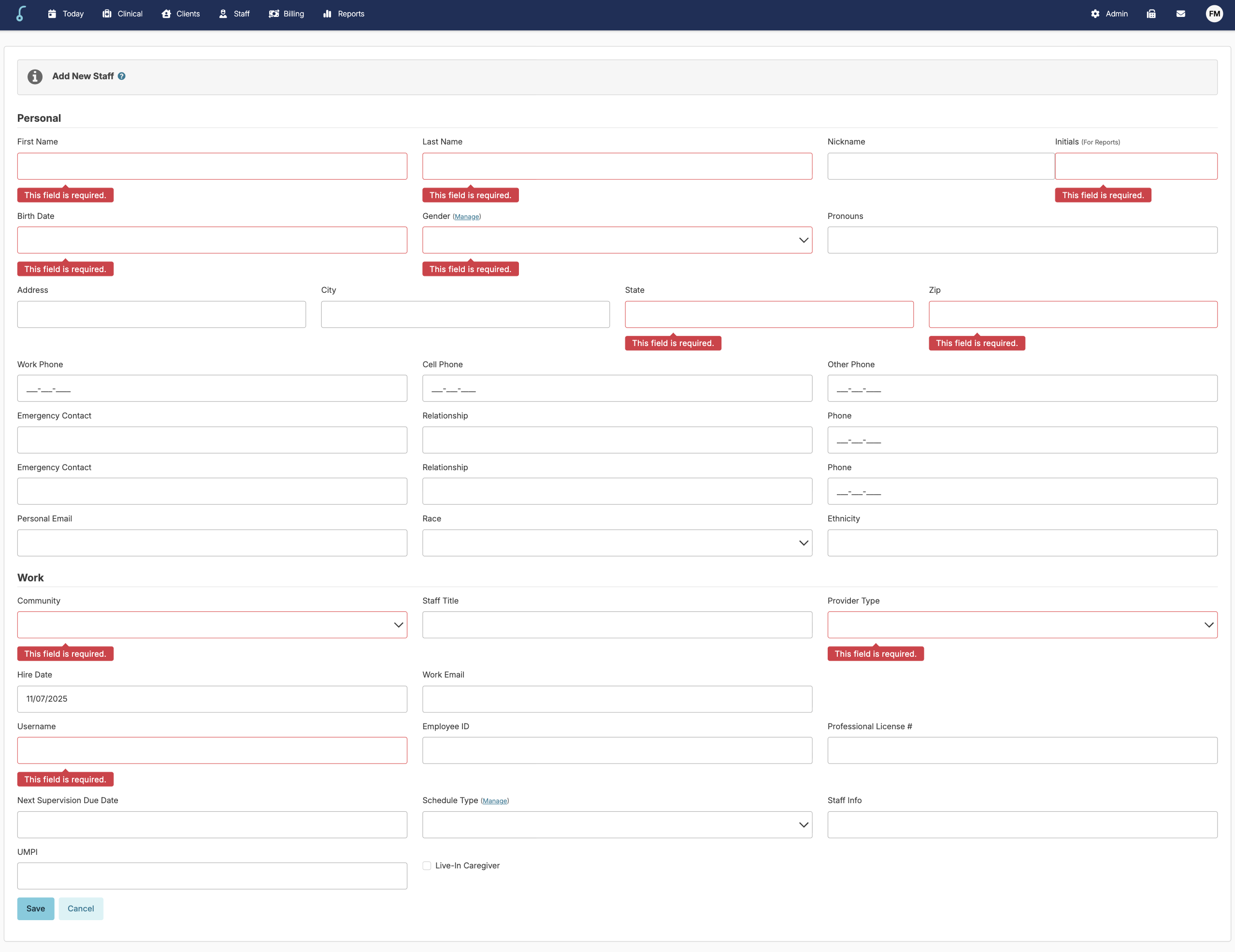
- Add the required information and click Save
📘 If you try to save a staff profile and are missing information, the fields will be flagged. Enter the missing information and press Save again.
Previously Entered Staff
Staff may have been entered prior to EVV being turned on. EVV requires additional staff information and if it is missing, the 'Client Clock Readiness' report will capture staff with missing information. To update a staff profile
- Navigate to Staff > Staff
- Select staff profile
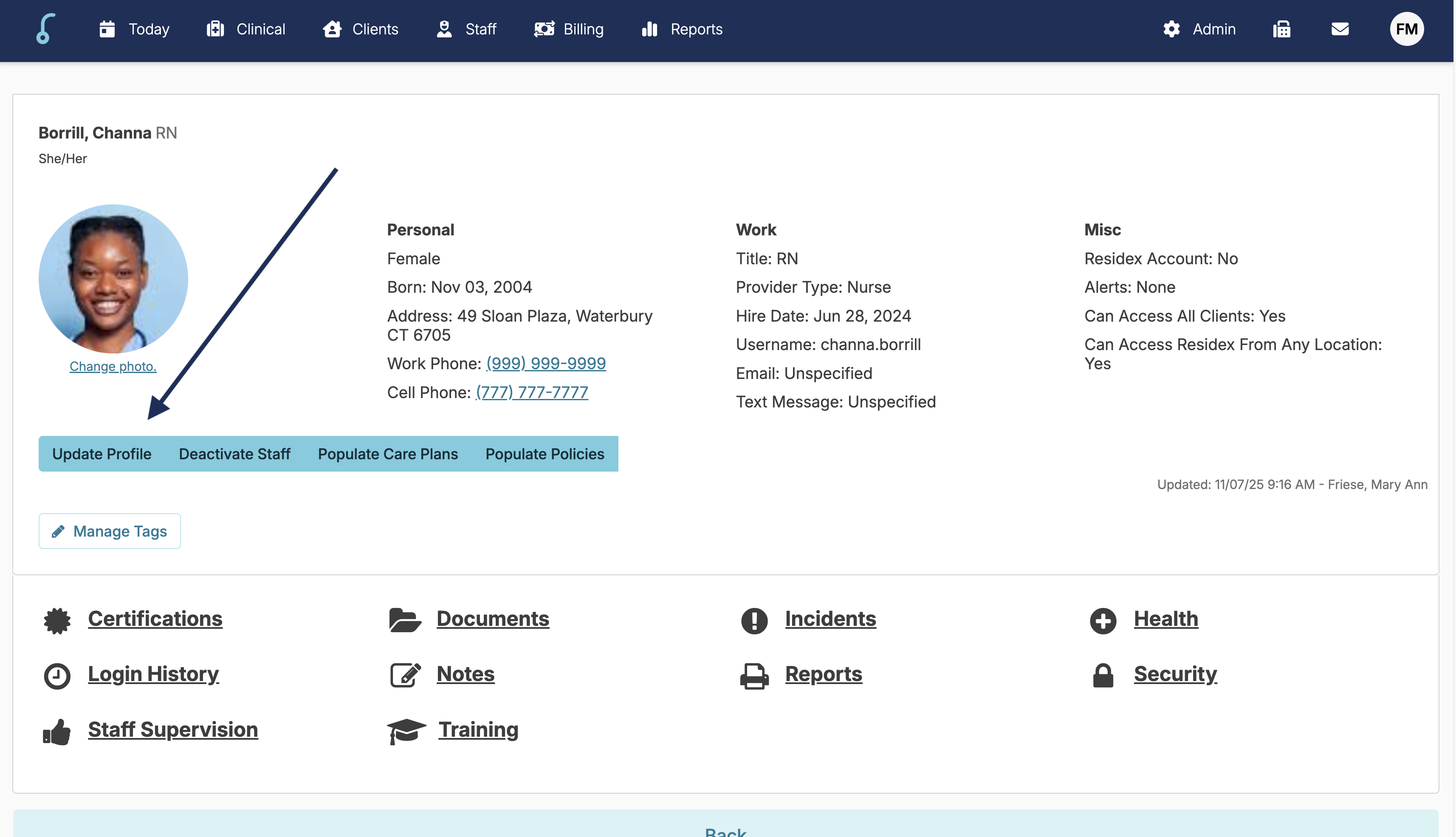
- Click the Update Profile button
- Enter the missing information
- Press Save