Electronic Visit Verification (EVV) is an additional feature available in Residex that uses electronic means to verify visits by care providers for personal or home health care services. EVV verifies employee location through location tracking.
The 21st Century Cares Act requires state agencies to implement an EVV system for personal care and home health care services provided under Medicaid. This was enacted in an effort to help reduce fraud.
If you are interested in our EVV feature, contact sales@residex.ai for more information!
Client Clock Setup
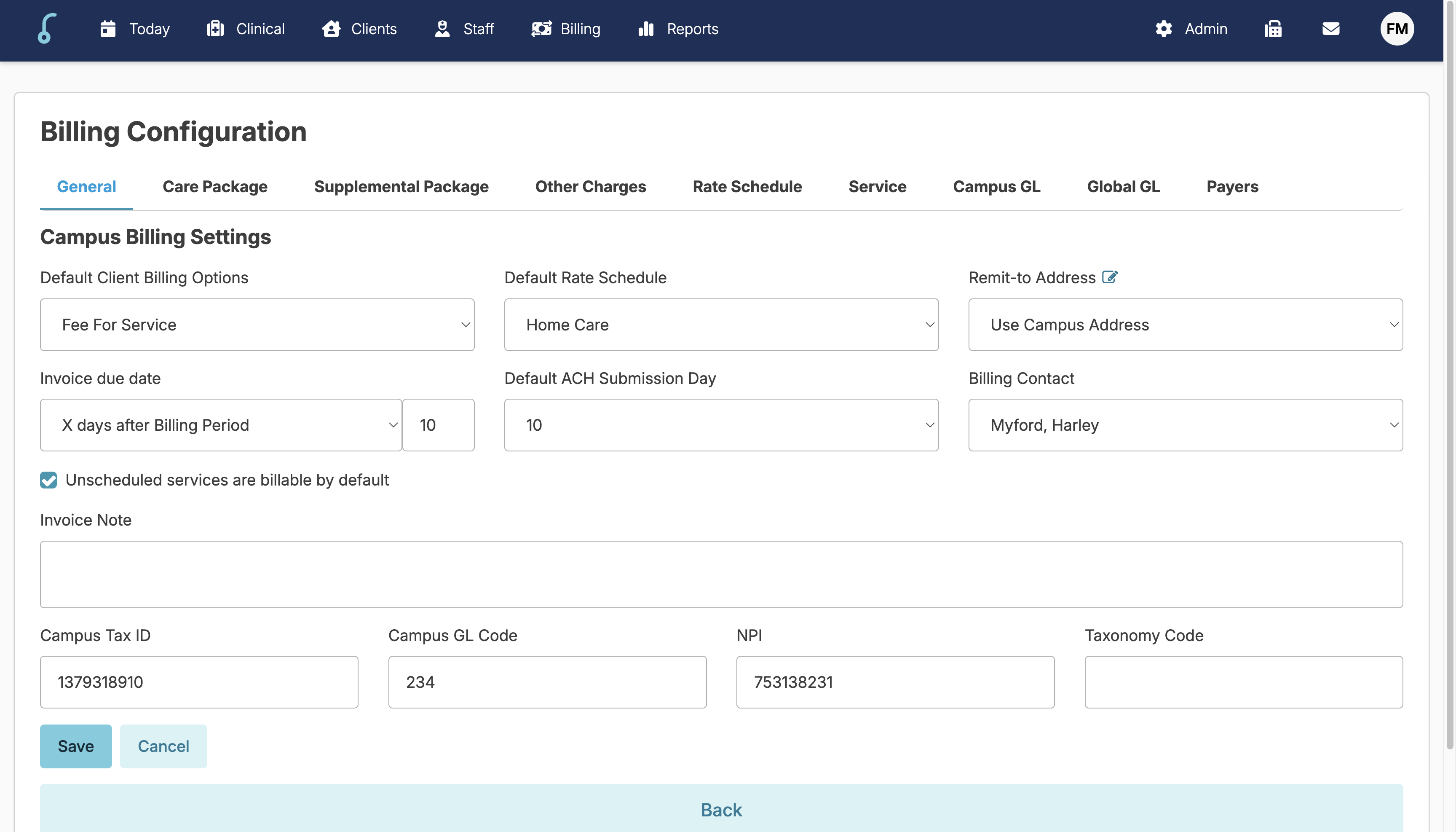
Campus Billing Information Setup
- Navigate to Billing > Billing Configuration > General tab
- Make sure the Default Billing Option is set to Fee for Service
- Select a Default Rate Schedule (this can be renamed if needed)
- Select the Billing Contact: The option(s) listed here are staff with Billing (Role 4)
- Enter the Campus Tax ID number and NPI or UMPI
- Press Save
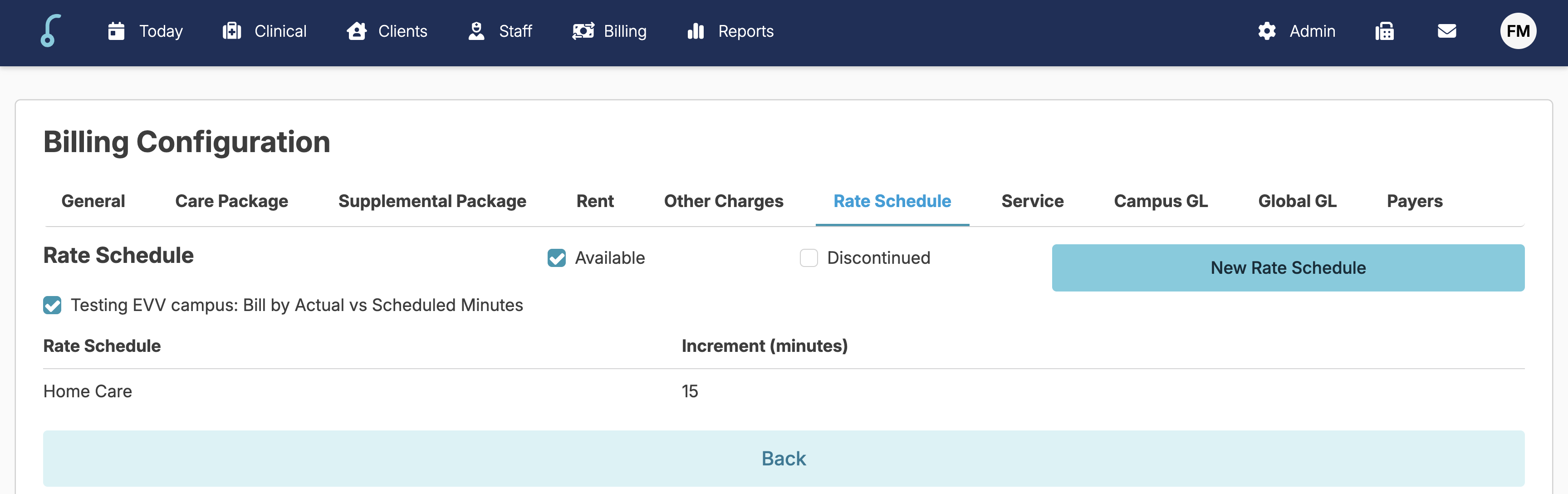
- Under the Rate Schedule tab you can change the rate schedule name.
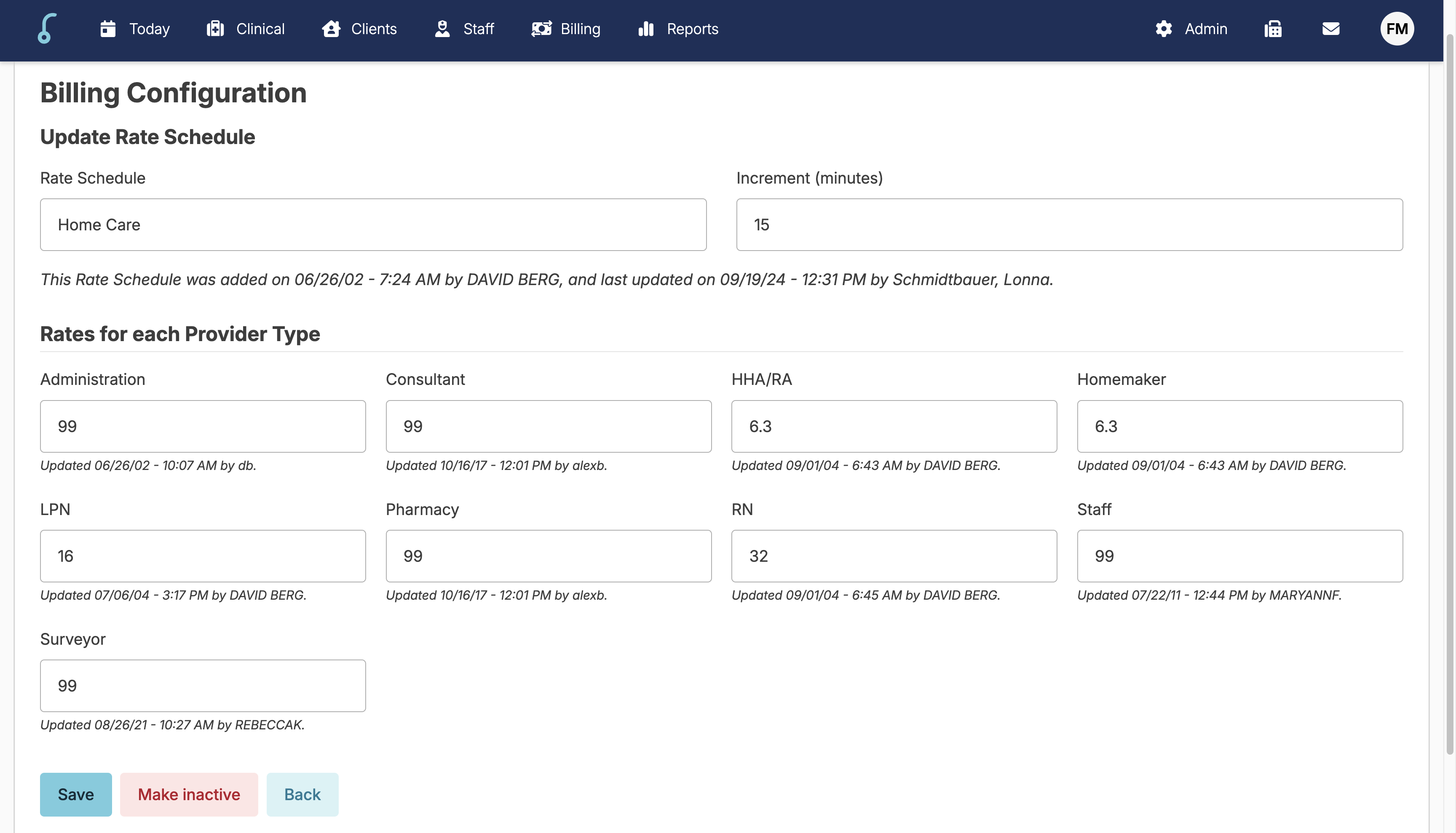
- Click on the desired rate schedule > Update the name > Click Save.
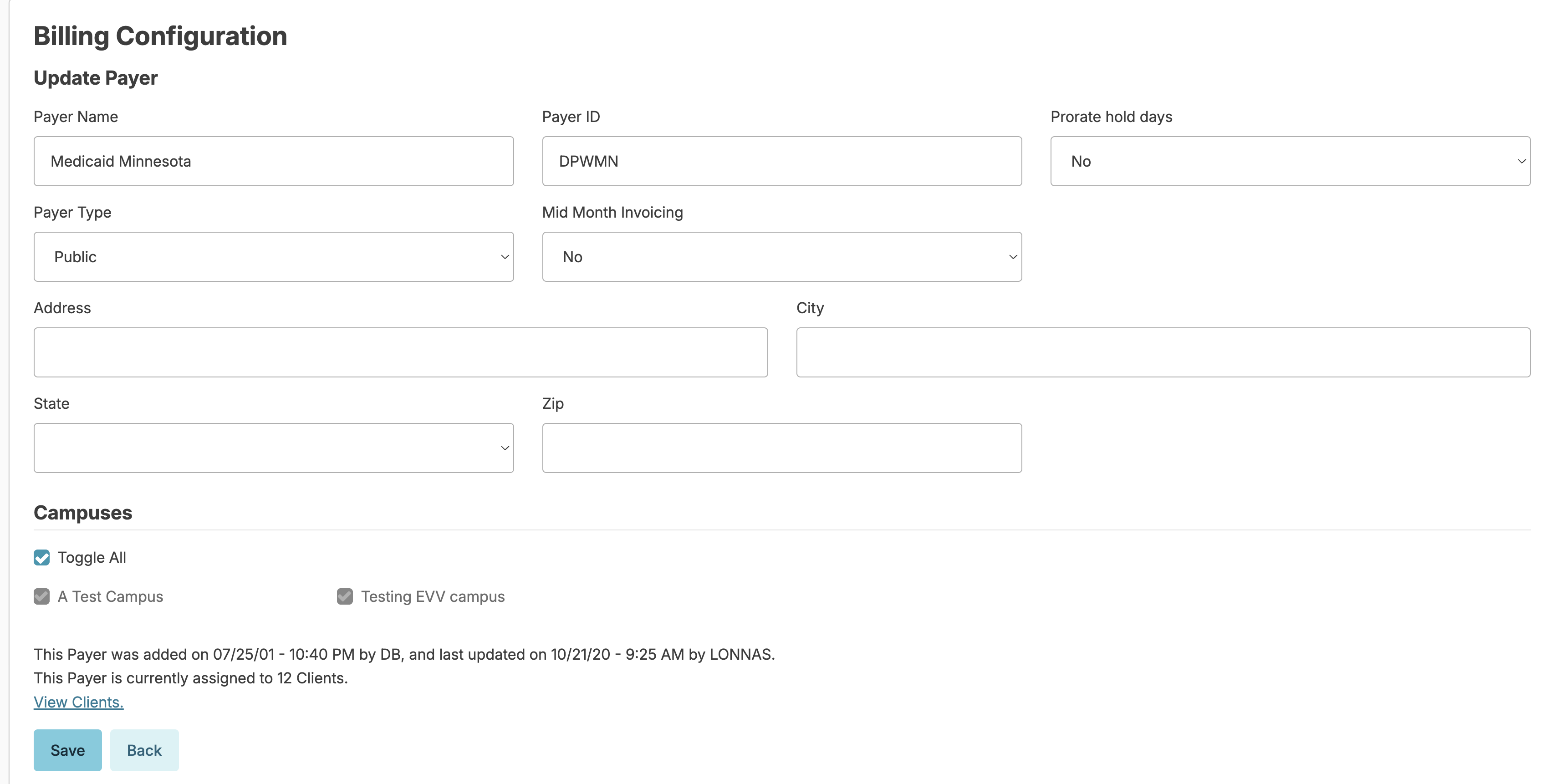
Payers Information
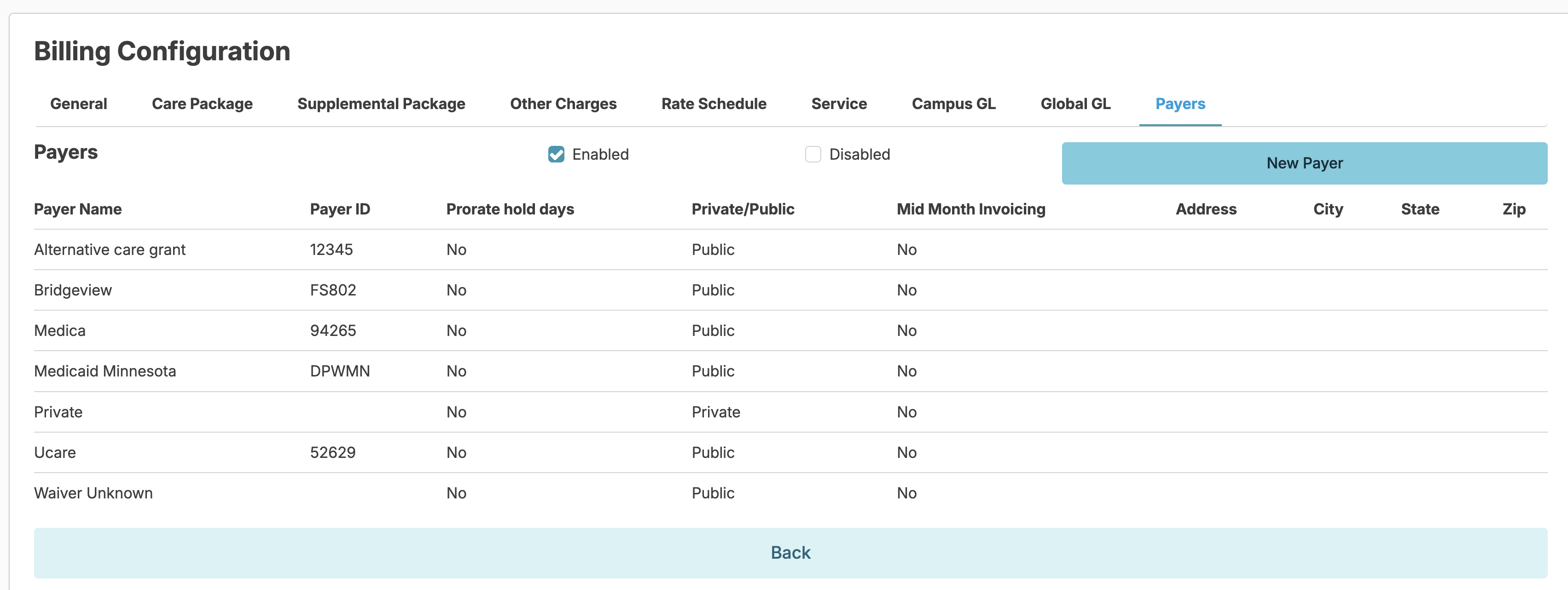
- Under Billing Configuration > click the Payers tab
- On the list of the payers, click one of the payers
- Add or edit the payer address and press Save