
Coverage is a feature that may or may not be available, please talk to your manager if you have any questions!
How to request coverage:
- Click on the "Schedule" tab and go to "My schedule"
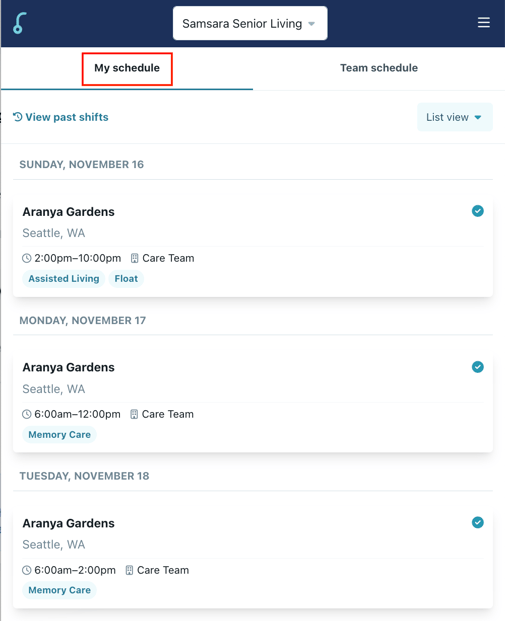
- Click the shift you need covered, please note you cannot request coverage on shifts less than 24 hours away.
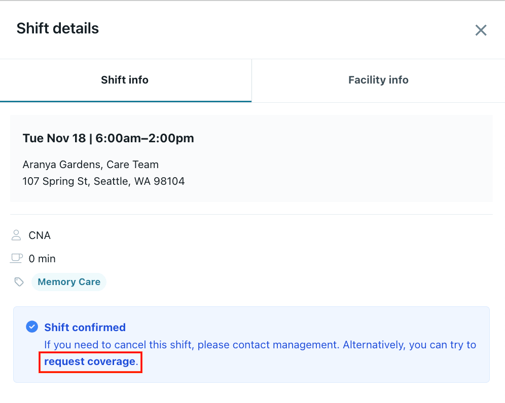
- Click "Request coverage"
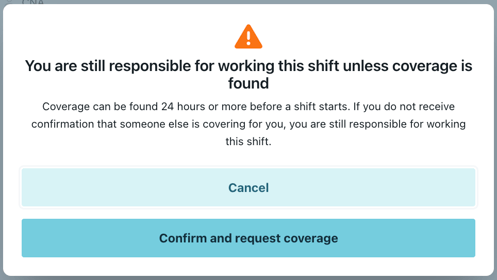
- Click "Confirm and request coverage"
- If you want to remove coverage, click the shift again and click "Cancel coverage request"
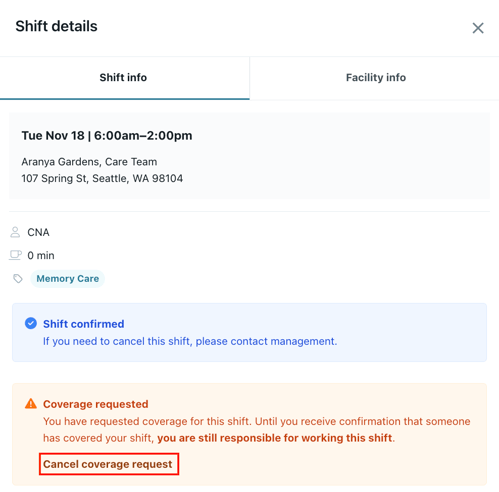
Please note: You are still responsible to work this shift unless another employee picks it up. This only makes the shift available for other staff members to pick up.
How to pick up a shift needing coverage:
- Click on the "Schedule" tab and switch to the "Team schedule" tab
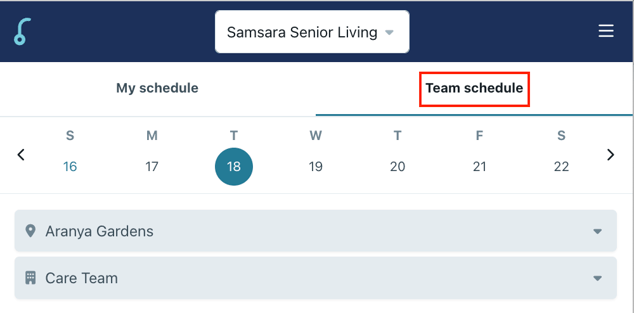
- If you see "Coverage Requested" on a shift, you can click on it and pick it up.

Please note: You will be automatically confirmed if you request the shift.